Hardwave Studios / Plug-ins / Analyser
Analyser
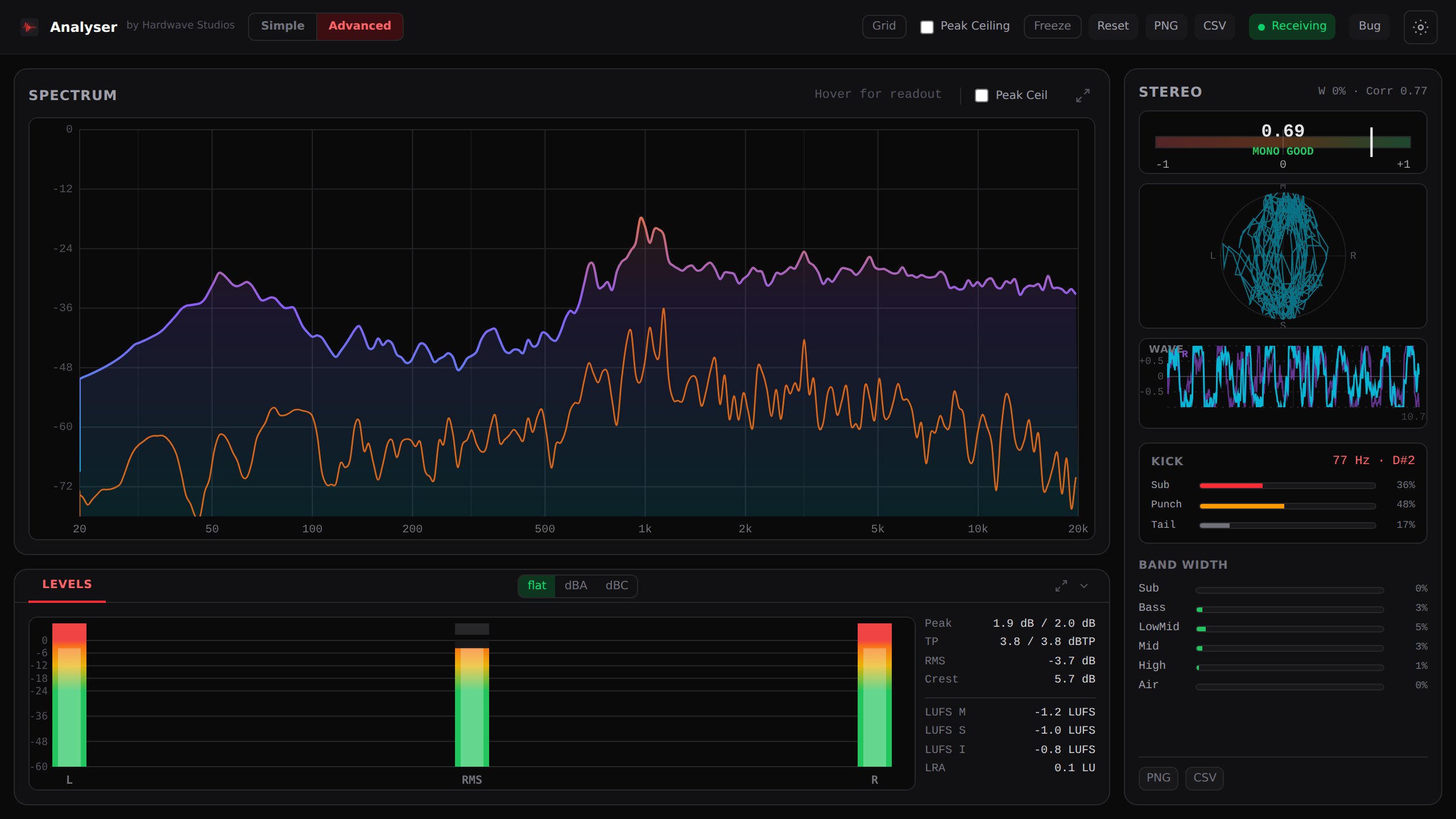
See your mix the way you hear it. Spectrum, stereo, true peak and loudness, live in your DAW, built for loud and dense harder-styles mixes.
What you see
One window, the whole mix.
Everything updates while the track plays. Advanced shows all of it; Simple keeps a clean spectrum and the main meters for a quick check while you write.
 1234
123420 Hz to 20 kHz, the mix and its side signal at once, tilt from -9 to +9 dB per octave, A and C weighting.
Correlation meter and goniometer. It says when the mix is safe in mono.
Peak, true peak oversampled 4x, RMS, crest factor and LUFS.
Sub, Bass, Low mid, Mid, High and Air, each with its own width.
Questions it answers
Check it before the drop goes out.
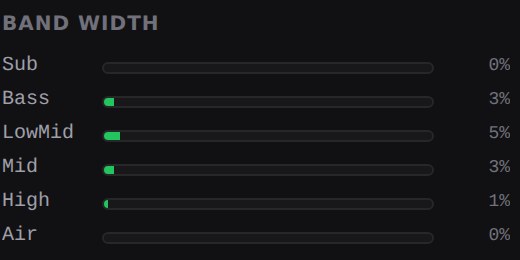
Is my low end mono?
Width per band keeps Sub and Bass close to 0% on this drop, and the correlation meter tells you when the mix folds in mono.
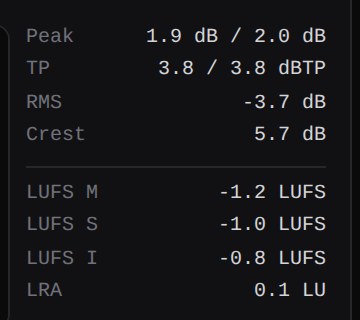
Will it clip after the limiter?
True peak is measured 4x oversampled, as BS.1770 describes, so peaks between samples show up too.
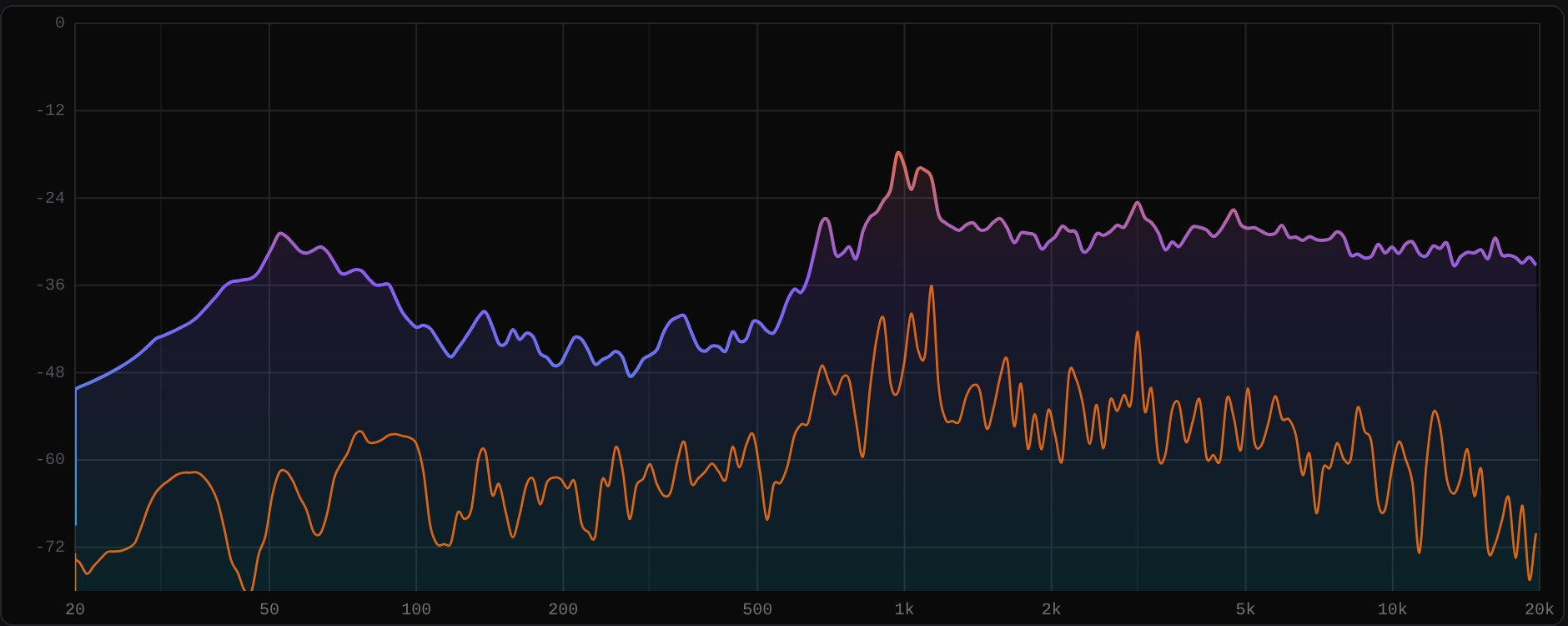
What is wide, what is centred?
The side trace sits under the mix, so you see which bands live in the stereo field and which stay in the middle.
Questions
Why do I need an account?
One login gives you the Analyser, 2 GB of Workspace and updates through Hardwave Suite. No card needed.
How do I install it?
Install Hardwave Suite and sign in. It puts the Analyser where your DAW looks for plug-ins and keeps it up to date.
Which DAWs does it work in?
Any DAW that loads VST3 or CLAP. We test in FL Studio, Ableton Live, Bitwig and Reaper.