Hardwave Studios / Download
Download
Set up in three minutes.
One installer for every Hardwave plug-in. It puts them where your DAW looks, and keeps them up to date.
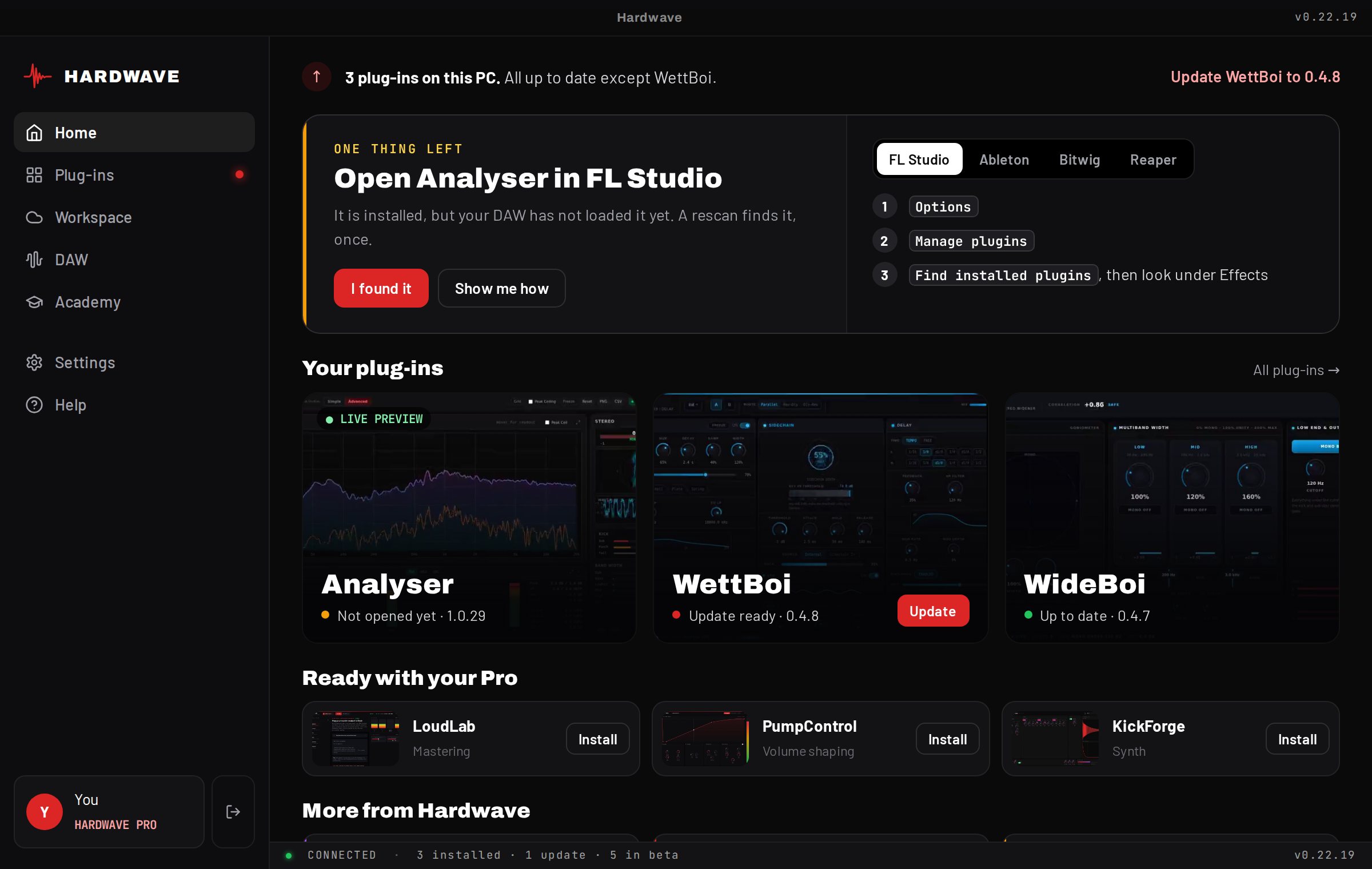
After the download
Three steps, then you are making music.
STEP 1
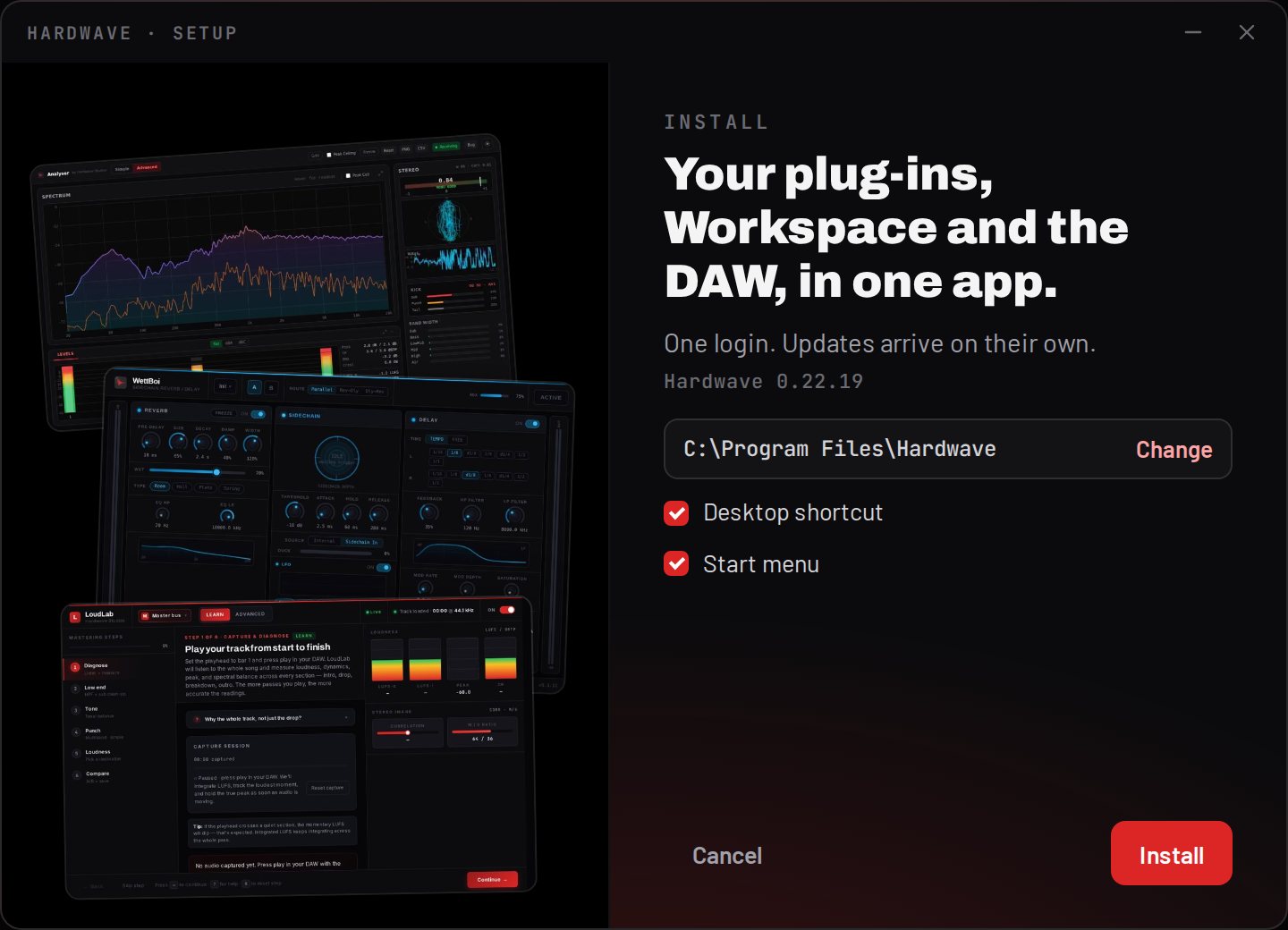
Open the installer
Run the installer and click through. It takes a few seconds and starts Hardwave Suite at the end. If Windows shows a SmartScreen notice, click More info, then Run anyway.
STEP 2
Sign in to the Suite
Use your free Hardwave account. The Suite installs the Analyser at once, and every plug-in you own or get with Pro.
VST3 · HARDWAVE STUDIOS
Hardwave Analyser
Hardwave WettBoi
Hardwave WideBoi
STEP 3
Open it in your DAW
Options › Manage plugins › Find installed plugins. The Analyser shows up under Effects.
Also for your computer
Your projects on every PC.
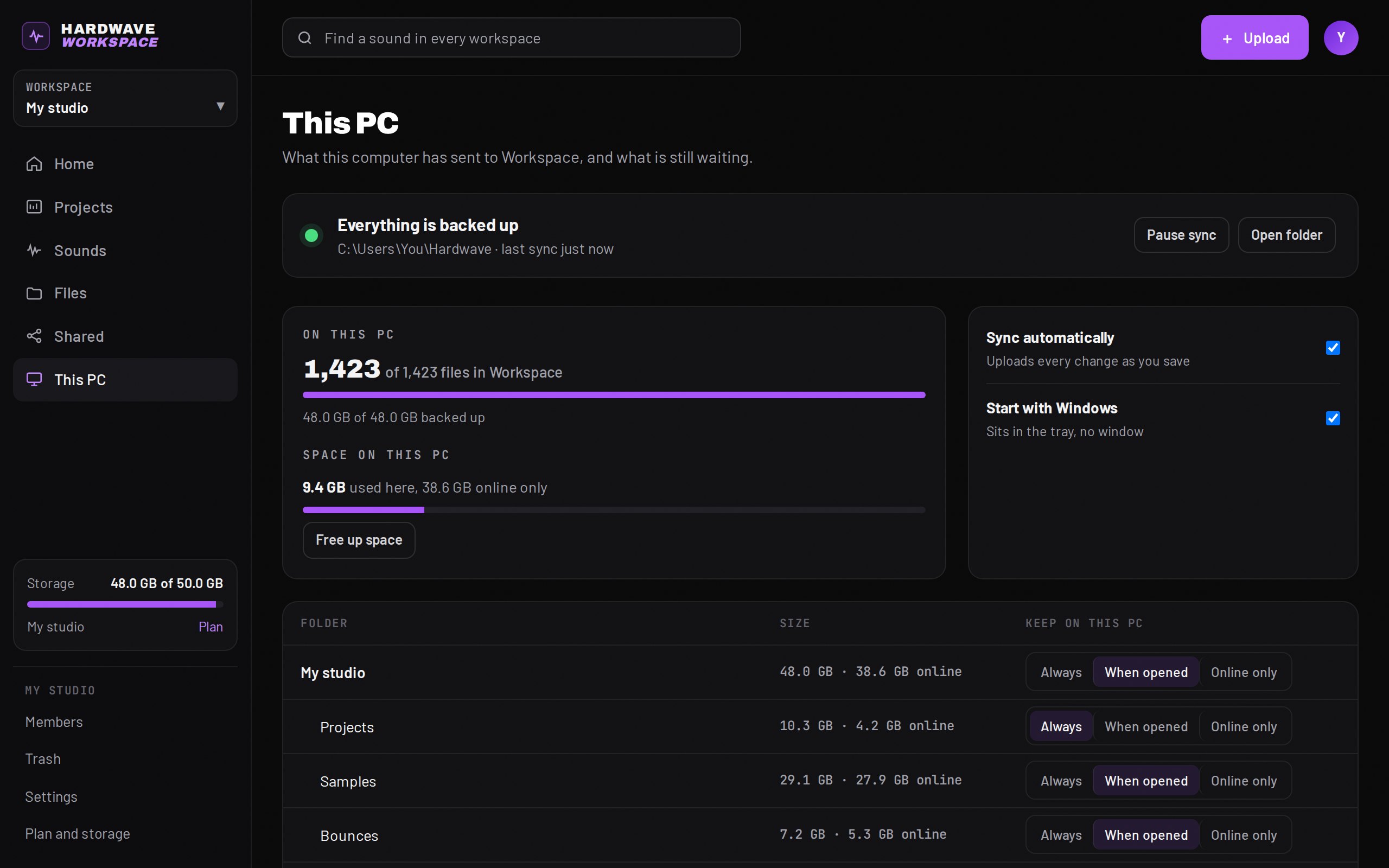

Your projects and samples in a folder that backs itself up. Open a project on another PC and it is there.
- Every save is uploaded; every version is kept
- Files On-Demand: files take space only when you open them
- 2 GB free, 50 GB with Pro
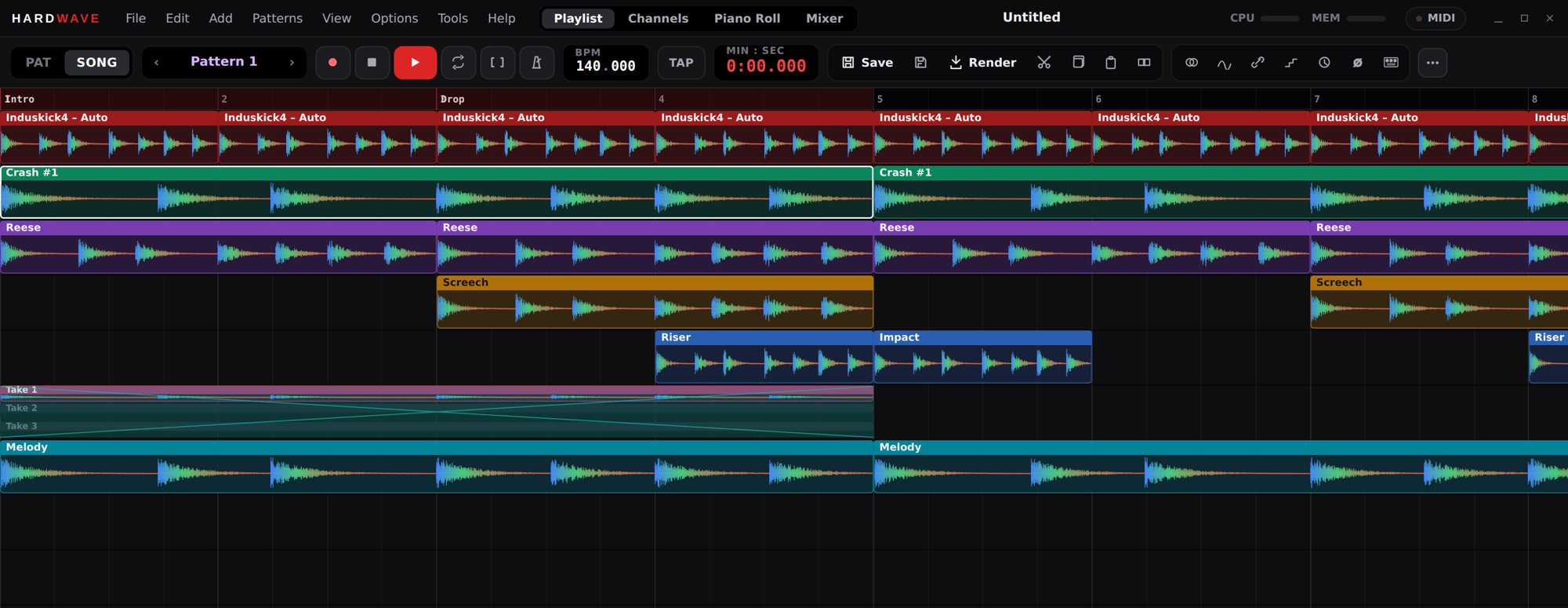

A free DAW for harder styles. Playlist, channel rack, piano roll and mixer, the way you know them.
- Every Hardwave plug-in inside, free
- Collaboration, spectral repair and audio to MIDI
- Opens your FL Studio projects